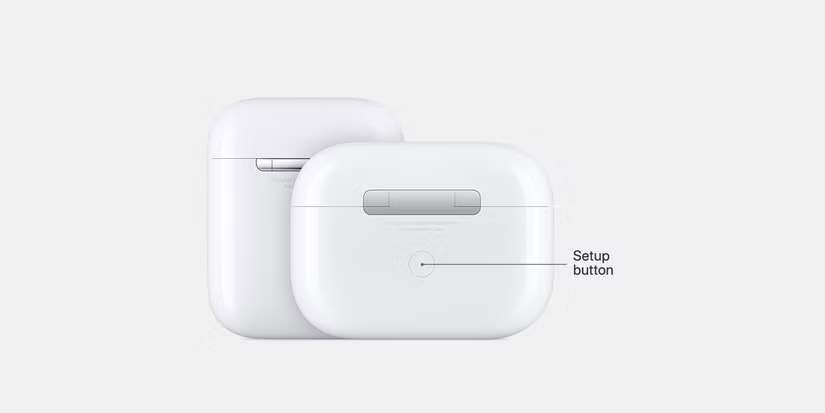
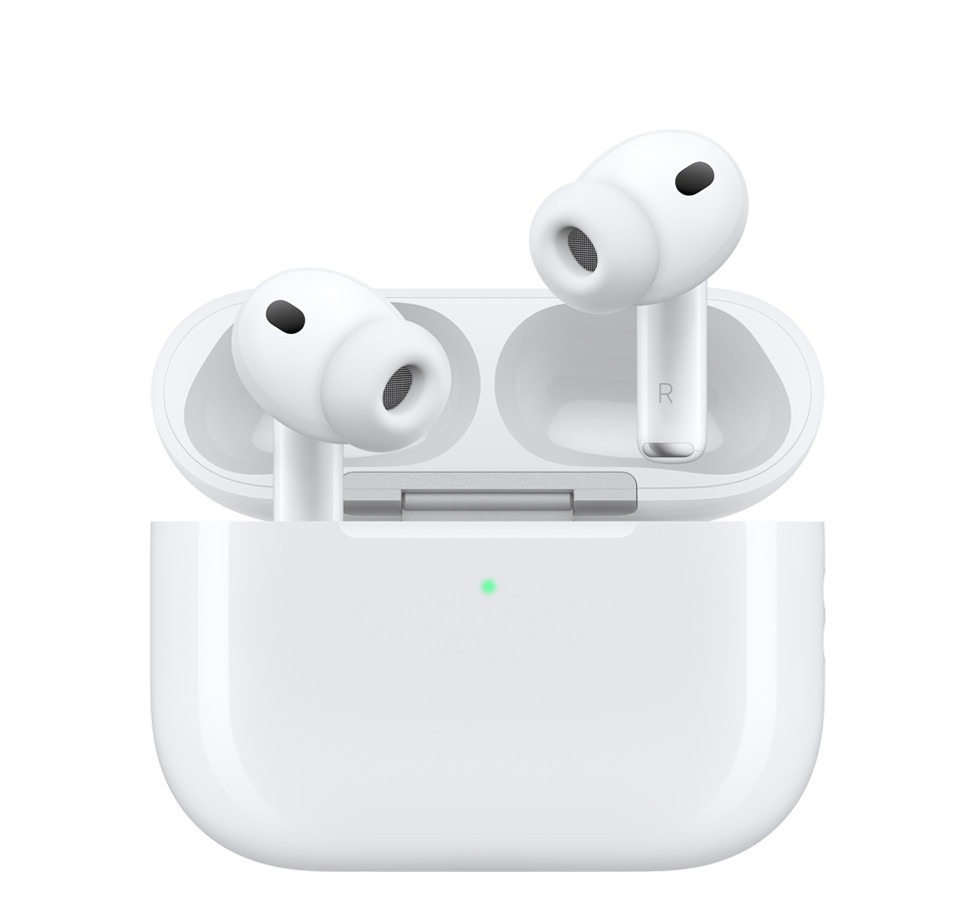
Apple’s AirPods have become a staple in wireless audio since their debut in 2017. The recessed button on the back of the charging case serves as a setup button for pairing and resetting your AirPods, ensuring seamless connectivity.
Understanding the Setup Button
The button found on the back of the AirPods charging case is crucial for users experiencing connectivity issues.
This button is used to initiate a factory reset or to put the AirPods into manual pairing mode. If your AirPods fail to connect after typical troubleshooting, pressing this button can resolve the issue.
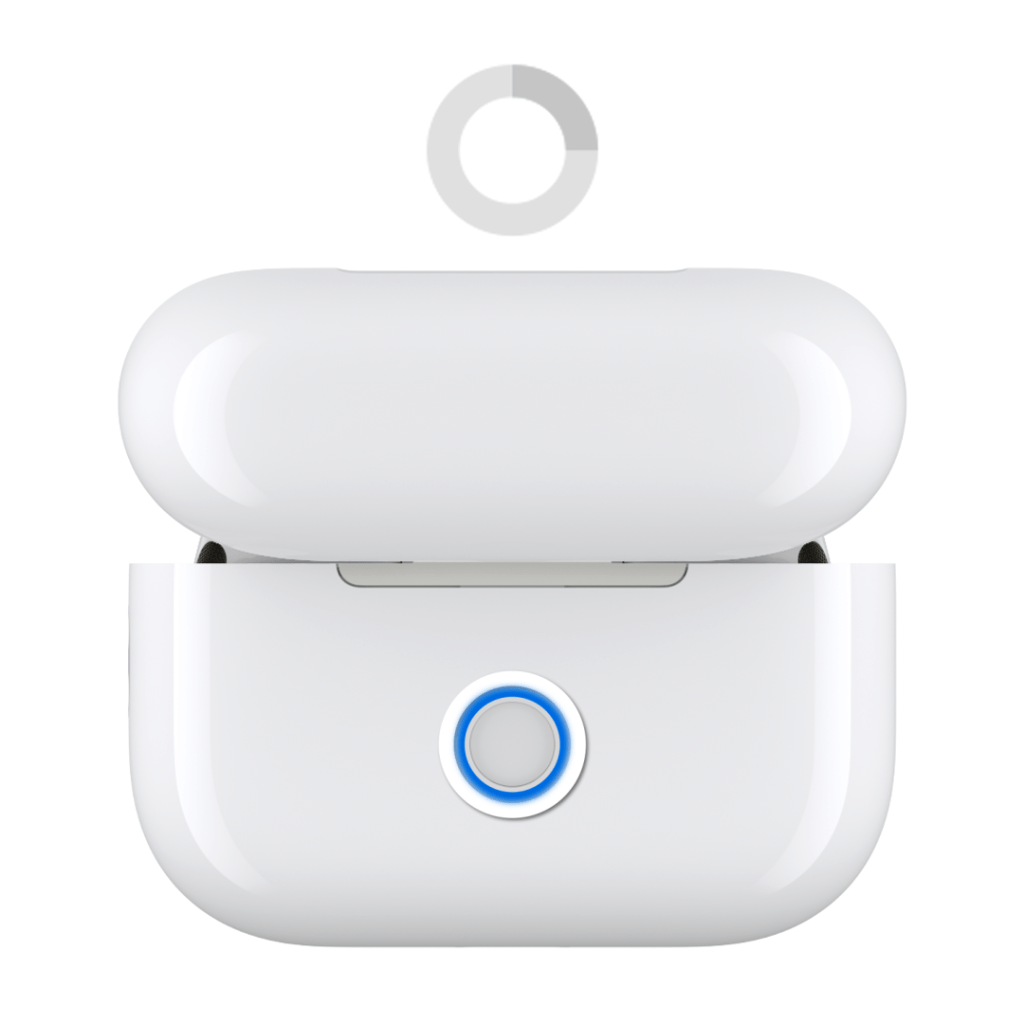
To perform a hard reset, follow these steps:
1. Place your AirPods in the case and close the lid. 2. Wait for 30 seconds.
3. Open the case and press and hold the setup button for 15 seconds.
4. Watch for the status light to flash amber, then white, indicating a successful reset.
Apple’s AirPods have not only transformed how we listen to music but have also influenced social interactions and fashion. The sleek design and ease of use have made them a status symbol among tech enthusiasts and casual users alike.
As wireless technology continues to evolve, the AirPods remain at the forefront of consumer audio innovation, shaping the landscape of personal audio devices.
In conclusion, whether you own the classic AirPods or are considering an upgrade to the latest models, understanding the functionality of the setup button is essential for optimal use. For more tips and tricks on maximizing your AirPods experience, check out additional resources on the subject.